Scripting
Learn how to bring your plan to life by reacting to the data received and offering an interface tailored to the needs of your users.

An Immersive digital twin is built in four complementary steps: Geospatial Modeling, Creation of the equipment catalog, Geometry and data connection then scripting to add business logic. The objective is to go from a properly georeferenced 3D repository to an operational application that reacts to data in real time, without redeployment on the player side.
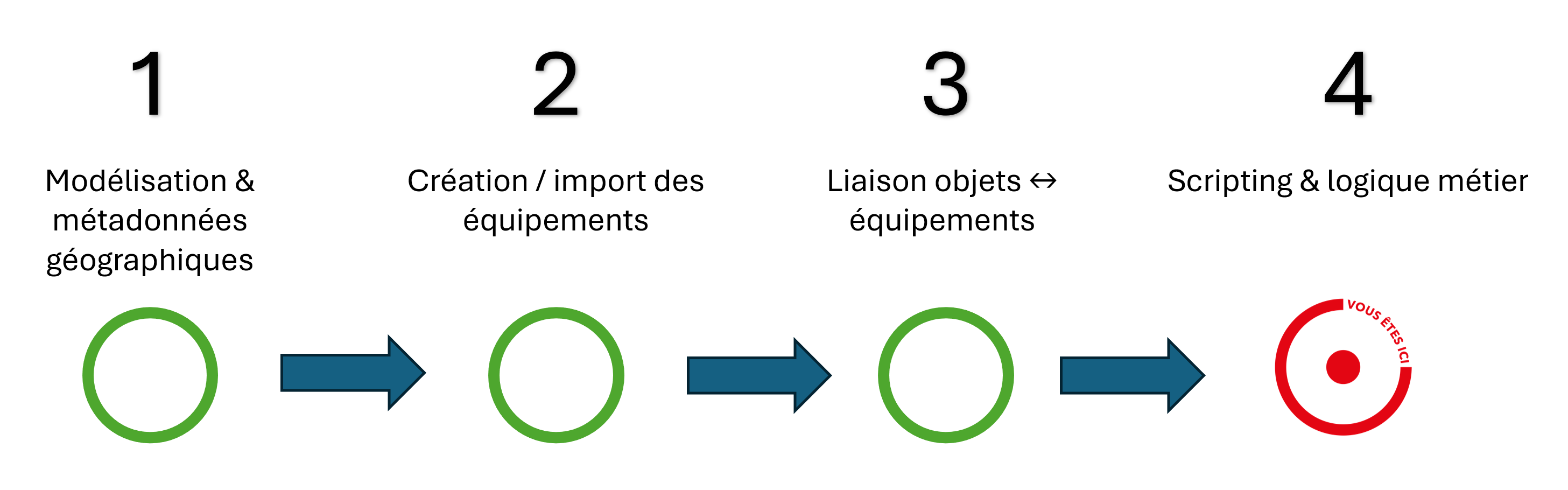
Add local intelligence via JavaScript scripts executed by the Beholder: alert rules, conditional styles/animations, operator journeys, widgets, and automations. Scripting helps change behavior without redeployment : just publish the scripts on the server side.
This series of tutorials presents scripting, explains the implementation of your first application behaviors and explains the different features of the exposed libraries allowing unlimited control of the Beholders.








A learning tool is available for download Here. It contains various implementation examples related to the previous tutorials. The tutorials below explain in more detail the scenarios that are implemented there.
Download the equipment file to upload to Immersive Here.
Download the OSTS file to take advantage of the advantages of Office 365 in generating the equipment excel Here.