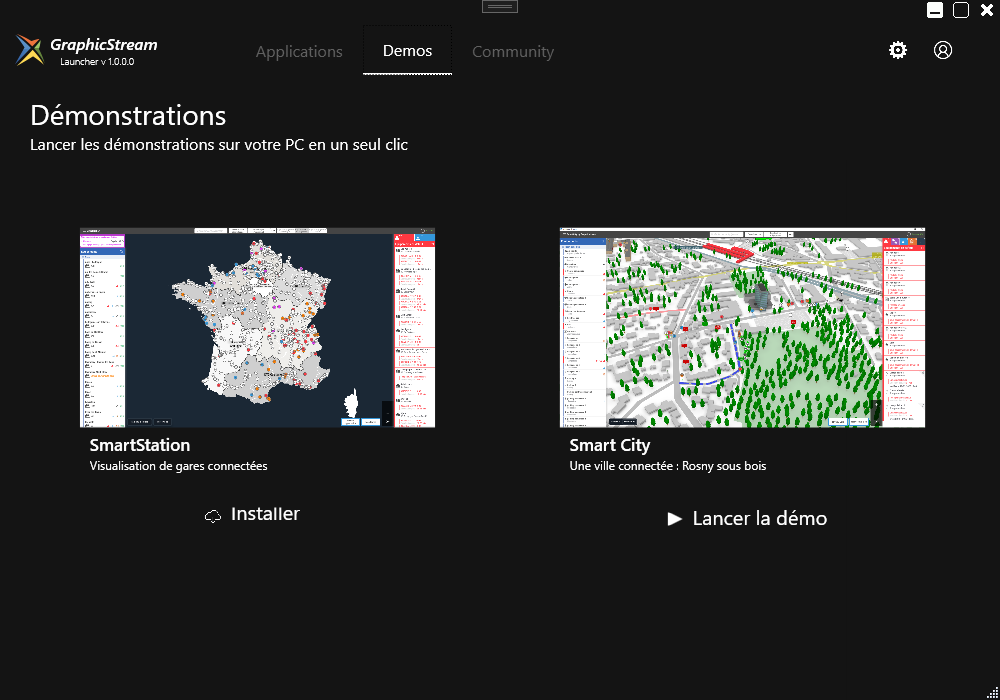
Explore the demonstrations
Explore Immersive environments and familiarise yourself with the applications before building your own map.
Forge is the Immersive suite’s 3D editor. Create maps, place equipment and maintain the information your teams need to understand their surroundings and take action.
Represent spaces, structure objects and add useful information. Forge prepares the content used by Immersive applications.
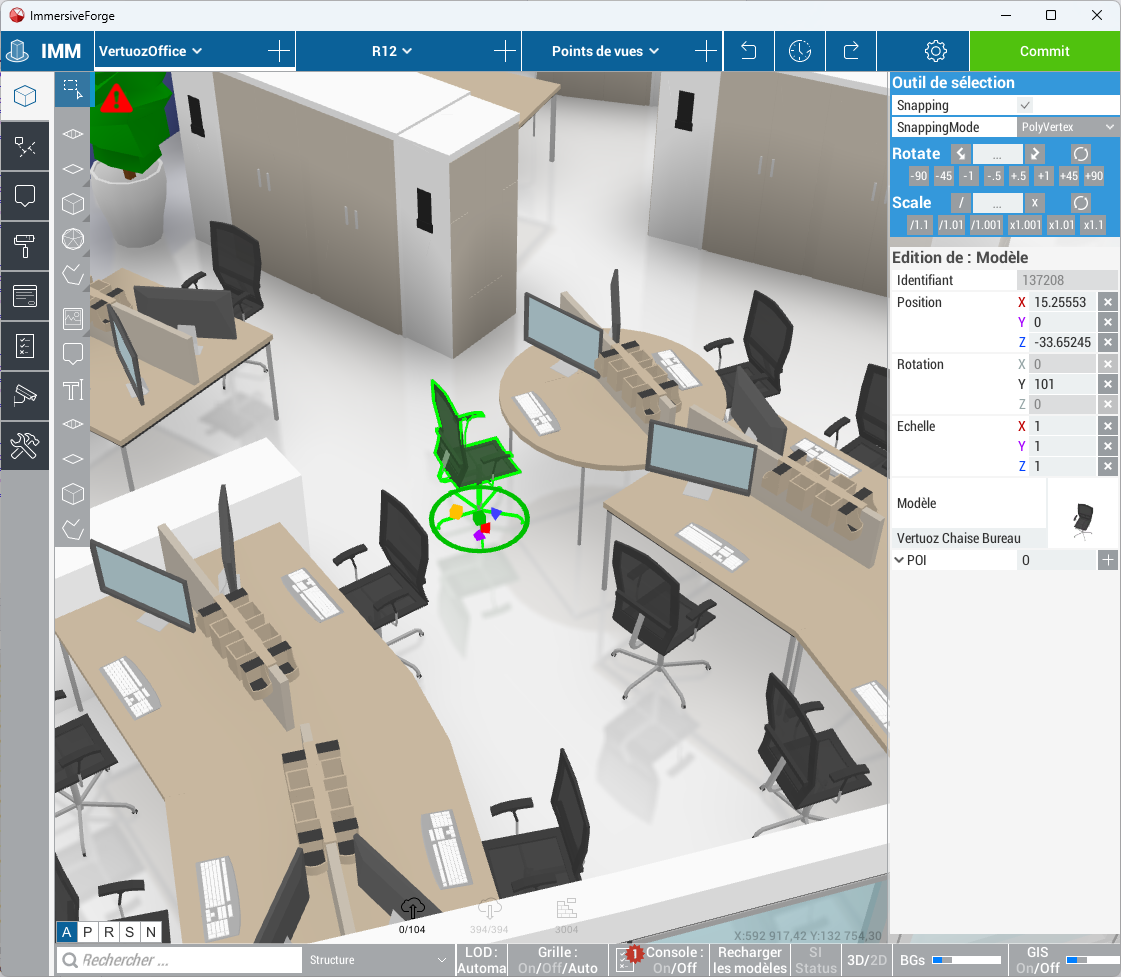
The editor brings together tools to build a 3D representation of your spaces and organise equipment within them. You retain control of the content as your site changes.
A shared map can support supervision, guidance or booking. Map creation can therefore reflect the needs of the people who will use it every day.
Use your plans and available data to represent buildings, floors and spaces.
Place equipment and add the information your applications need.
Make maps available to Immersive applications, then update them as your spaces change.
Choose the environment that suits your creation and administration work, from full editing to updates in the browser.
The most comprehensive editing environment in the Forge family, for teams that create and maintain detailed maps.
Import plans from your GIS and use the creation tools to structure your representation. The Launcher lets you install the application and access the available environments.
A lightweight web version for working on maps and administering content in the browser.
Access the functions you need for your Immersive experience and update information wherever you work, according to your permissions.
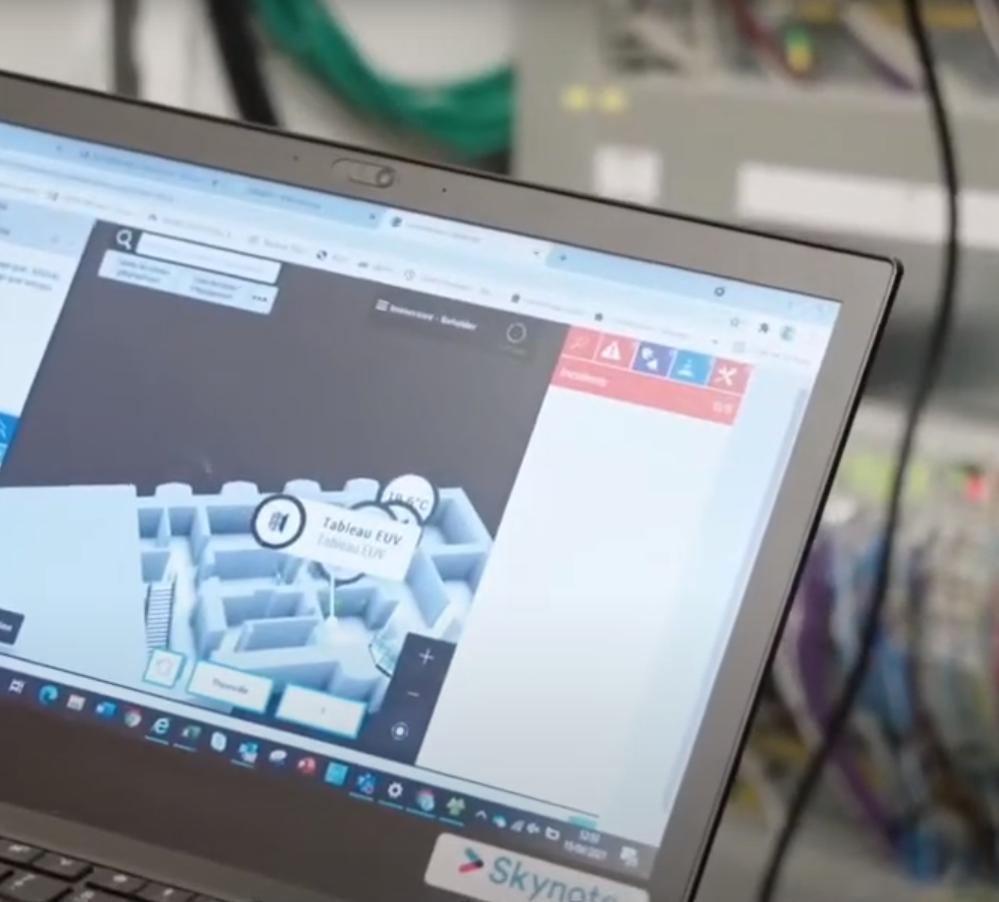
Forge relies on the Immersive server’s services. This architecture connects content creation to the data and applications in your information system.
Permissions adapt available functions to each user’s responsibilities. Someone updating content does not necessarily need the same capabilities as an administrator.
Explore the interface, try the demonstrations and develop your skills with Developer Network resources.

Getting started does not require specialist IT or 3D modelling skills. A short training course introduces the interface and the essential creation tools.
Developer Network guides and tutorials help you create, enrich and maintain content as your project progresses.
Access Immersive applications and demonstrations from one place.
Explore Immersive environments and familiarise yourself with the applications before building your own map.
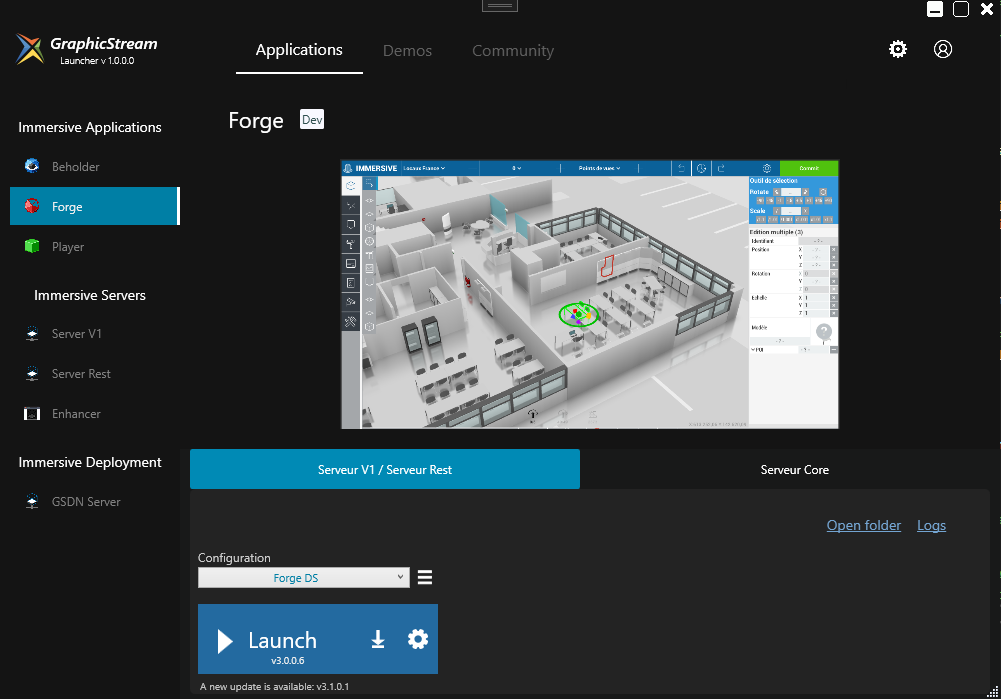
The Launcher helps you install Forge without requiring administrator rights for the application, subject to your workstation’s policies.
Move from discovery to hands-on learning with the Developer Network. Find technical articles, tutorials and resources to create maps, connect equipment and customise Immersive.